
81 / Make Peace with the AI Wave Anxiety
Staying well, focused and grounded in a fast-moving world might just be the success that counts.

Hello my friend! 👋
Lately, I’ve been reflecting on a familiar feeling: the anxiety of missing out on the AI wave.
Even as someone who stays close to tech, I sometimes wonder — am I falling behind? A recent trip back to China made that feeling stronger. Surrounded by relentless hustle and pressure, it was easy to feel like everyone else was moving faster, grabbing every opportunity, while I was standing still.
But I’ve felt this before. Years ago, after moving to New Zealand and starting from scratch, I watched peers back home building companies, raising funding, making waves. That same FOMO crept in.
What I’ve learned is: this fear never fully goes away. But we can learn to live with it. Real calm doesn’t come from chasing every wave, but from finding one or two things that matter deeply — and doing them well.
Staying well, focused and grounded in a fast-moving world might just be the success that counts.

Goodies for this week
When Life Interrupts Your Projects: Lessons From Balancing Family and Building a Startup
Life doesn’t ask when you’re ready.
Sometimes it just interrupts everything.
I disappeared from YouTube for a month to take care of my dad.
That pause forced me to rethink how I work, how I create, and how I balance two worlds.
In this video, I share five lessons that helped me recalibrate.
Time as a portfolio.
Redefining progress.
Building redundancy in life.
Flexible creative rhythm.
Identity that survives disruption.
If you’re building a career while juggling real life, this might help you think differently.
Building a Website in 15 Minutes with Framer AI
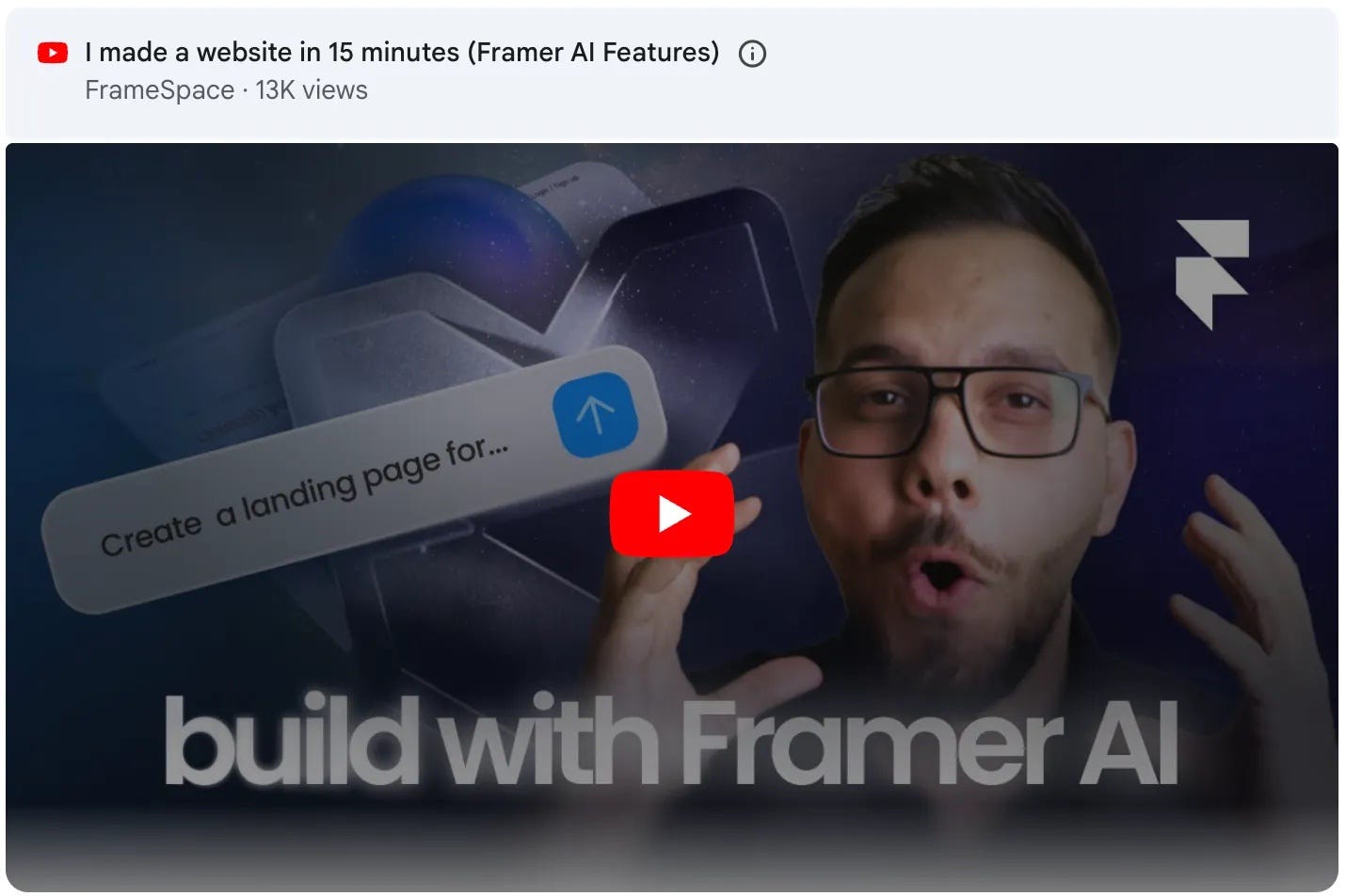
I recently watched FrameSpace’s video “I made a website in 15 minutes (Framer AI Features)”, which introduces two new AI-powered functions in Framer: WireFramer and AI Components. Both features are highly practical, especially for designers who need to move quickly from concept to prototype without leaving the Framer environment.
The WireFramer tool allows users to generate a full wireframe layout from a simple text prompt. What makes it powerful is that everything happens within Framer—no exporting, importing, or switching between tools. Once the wireframe is generated, it can be edited directly: you can replace text, swap images, and adjust layout details until it forms a working prototype. For many small projects or early-stage ideas, this drastically shortens the time from concept to presentation.
The second feature, AI Components, extends this idea into interactivity. It lets users describe a desired component—such as a countdown timer—and the AI automatically builds a functional version of it. In the demo, the creator uploads an image of a clock, asks Framer to turn it into a working timer, and the system produces it within seconds. While it’s likely that the showcased examples were carefully selected and that more complex components still require manual work, the potential is evident: Framer is evolving from a web design tool into an integrated, AI-driven creation platform.
For independent designers and content creators, these tools could reshape how digital products are prototyped and shared. I plan to test these features in real projects to see how well they perform in practice and may later create a tutorial or mini-course to explore their practical impact on design workflows.
Original video:
👉 I made a website in 15 minutes (Framer AI Features) - YouTube (FrameSpace)
Can AI Be Used in Design?
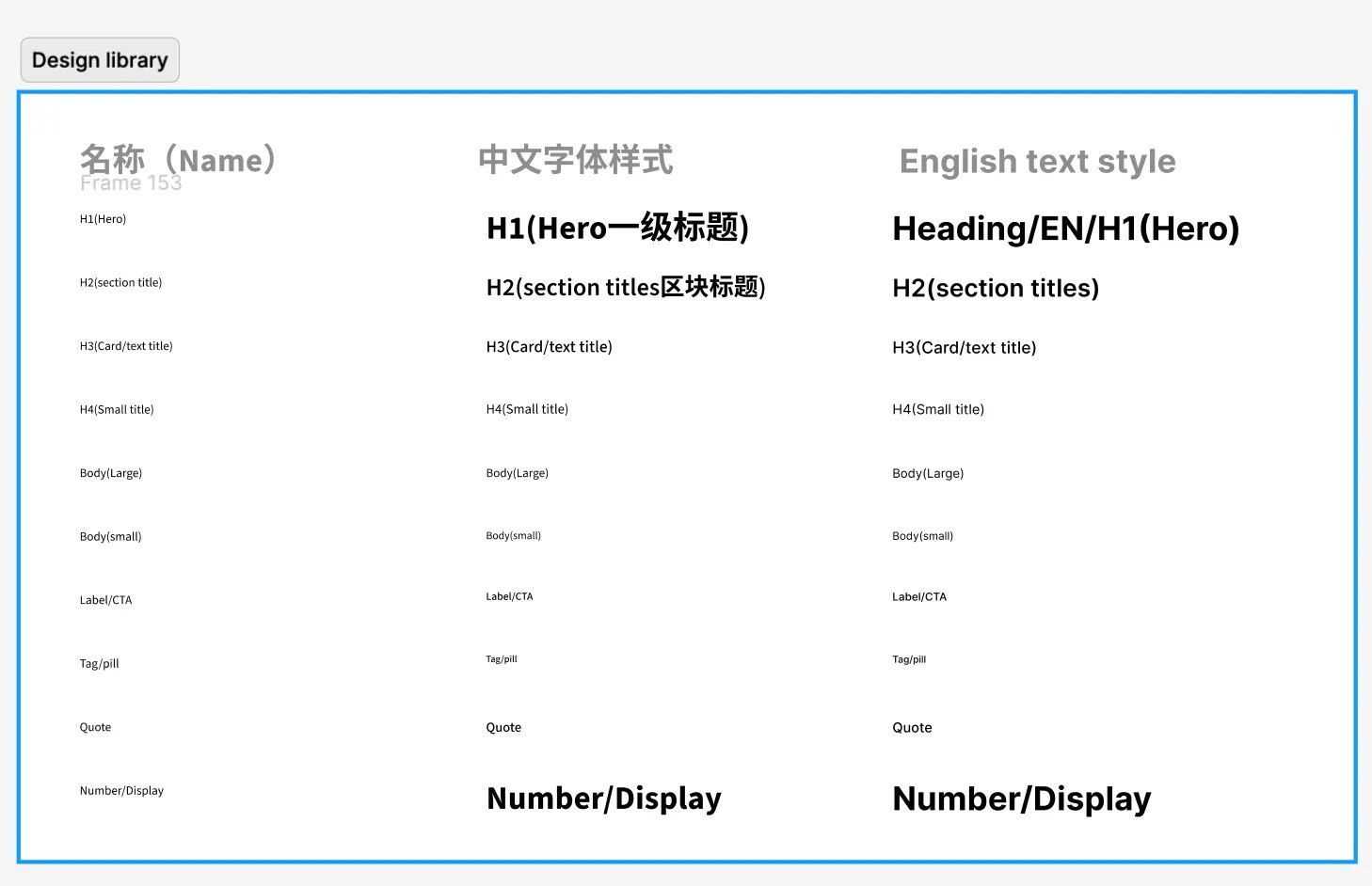
Can AI Be Used in Design? Absolutely. But not in the way where you just toss in a prompt and expect magic. The real power of AI in design is in breaking things down.
Here’s a recent example. I was working on the landing page for JAM and needed to define the typography styles. After discussing with AI, I decided the fonts ( a Chinese and an English font) and the styles. Then I asked ChatGPT to generate a JSON file for those styles. I used a Figma plugin to import that as design tokens and instantly apply the styles in Figma.
With AI, the whole process took maybe 5 minutes. Without it, doing the same manually would’ve taken around 30, so time saved, a lot.
That’s how I see AI in design. It’s a tool - like a knife, scissors, or screwdriver. Use it with precision, stay focused on the task, let it do what it’s good at, and move on.
I Tried Every AI Design Tool — Here’s What I Found
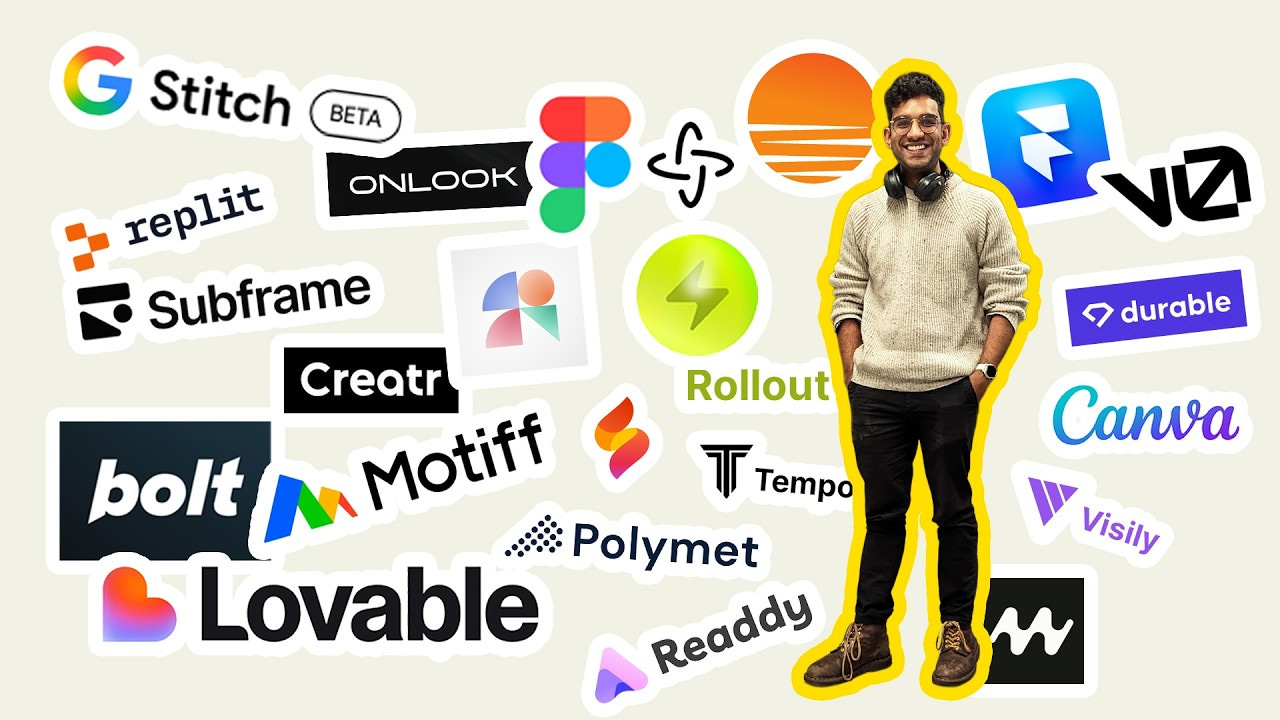
I watched Paavan, a London-based designer, run a fascinating experiment in his video “I tried every AI design tool. Here are the results.” He used the same web design prompt across nearly all major AI website builders to compare how each tool performs. The outcome confirms what many of us might already suspect.
The clear winners are Lovable, V0, and Mocha — all three tools deliver relatively consistent, high-quality outputs. Lovable stands out for its speed and layout intelligence, producing pages that look like they were structured by a human designer. V0 handles component logic well, generating cleaner HTML and hierarchy. Mocha also performs solidly, balancing speed with clarity.
In contrast, other tools such as Google Stitch, Firebase Studio, and Canva fall short — either creating cluttered layouts or visually outdated designs that are far from usable.
Interestingly, Paavan didn’t test Figma or Framer, likely because they’re not full “one-click generation” systems. But the larger takeaway here is clear: no single AI tool is enough. Just like with large language models, designers will increasingly need to combine tools — one for generation, another for refinement — to achieve reliable results.
For designers like us, that’s actually exciting. It means our role is shifting from “using tools” to “orchestrating intelligent workflows.”
Original video:
👉 I tried every AI design tool. Here are the results. - YouTube (Paavan — Designer in London)
When should you start promoting your product?
Here’s the short answer: not at launch, but when it’s ready.
Before you pour time or money into growth, ask yourself:
1. Is the core product stable?
If key features are still buggy or missing, fix that first.
2. Is there early product–market fit?
Not perfect, but are users coming back? Giving feedback? Sharing it? That’s a green light.
3. Do you have real acquisition channels?
Website, socials, YouTube, podcast, newsletter — something that brings people in without always paying for ads.
4. Does onboarding actually work?
Can new users understand your product and reach value quickly? If not, fix the funnel before filling it.
Promotion works when the product’s ready to keep the attention you earn.
Not earlier.
The newsletter is sponsored by JAM
Learning English isn’t about memorising words—it’s about speaking out loud.
JAM is a one-minute speaking practice app: pick a random topic, talk for 60 seconds, and get instant AI feedback on pronunciation, grammar, and fluency. Just one minute a day takes you from “too shy to speak” to “ready to express yourself.”
Special for newsletter readers: claim 1 month free membership (worth $5) and start your 30-day speaking challenge. One minute a day—see how fluent you can become.

👉 Check here to get a free month trial: jamtalk.co

Hello, I’m Bear—a product designer, UX mentor and an award‑winning bilingual podcast host, currently living in Auckland, New Zealand. I enjoy sharing insights from my work, life, and study, helping all of us grow together.
Bear Academy Newsletter is my weekly email packed with thoughts on technology, design, and productivity—featuring book breakdowns, learning tips, and career reflections. Subscribe for free at bear.academy
💬 Contact
Youtube.com/@Bearliu - A video is worth a thousand words
bear@beartalking.com - The old fashion email way
LinkedIn.com/in/bearliu - My professional life
Beartalking.com - all my posts, in English and Chinese
https://twitter.com/bearbig - Majorly I post in Chinese